Designing your dream earrings with Aryé is simple, no technical skills required. Just follow these easy steps to create unique, custom-made earrings that are handcrafted just for you.
1. Find Inspiration
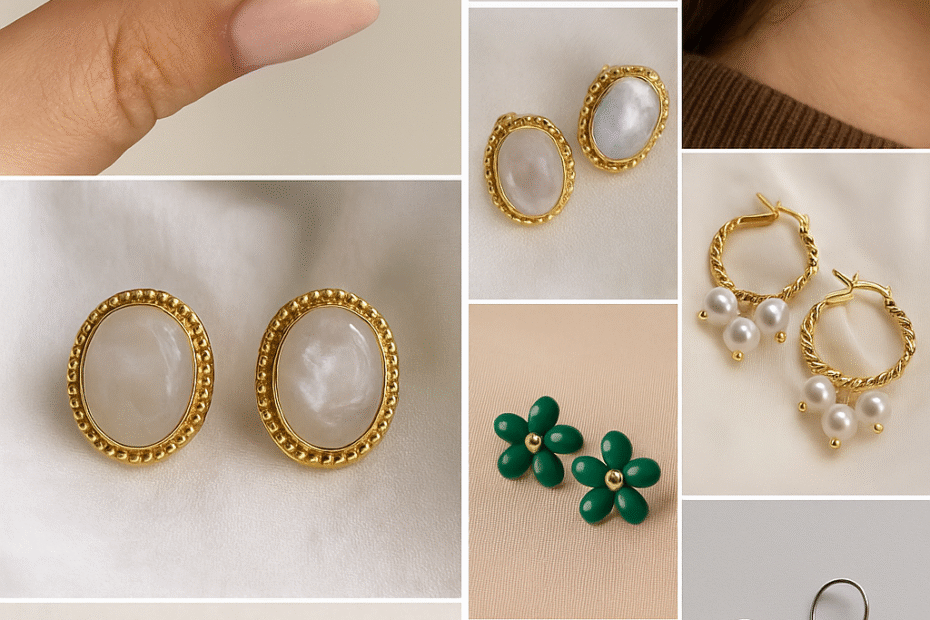
Look for jewelry styles you like on Pinterest, Instagram, TikTok, or online stores. You can use:
A screenshot of earrings you like.
A photo of earrings you already own but want to customize.
A sketch or drawing of your own design.
This image will be the reference for your custom earrings.
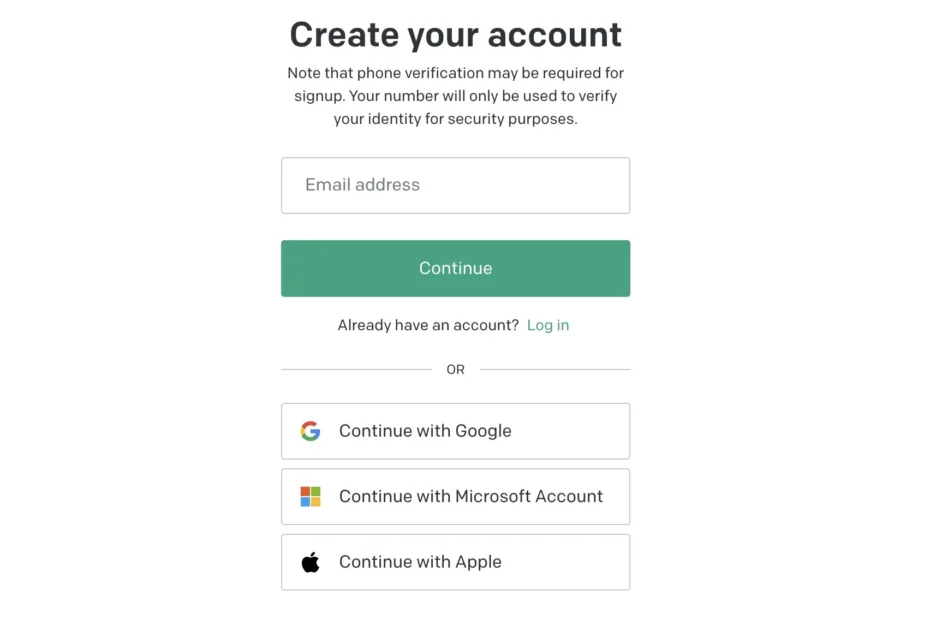
2. Create a Free ChatGPT Account
If you want to edit your inspiration photo before uploading to Aryé:
Go to chat.openai.com (or download the ChatGPT app).
Create a free account with your email.
Log in.
3. Upload Your Photo for Editing
Open ChatGPT.
Click the “+” or image upload button.
Upload your screenshot or photo.
4. Edit Your Jewelry Image with ChatGPT
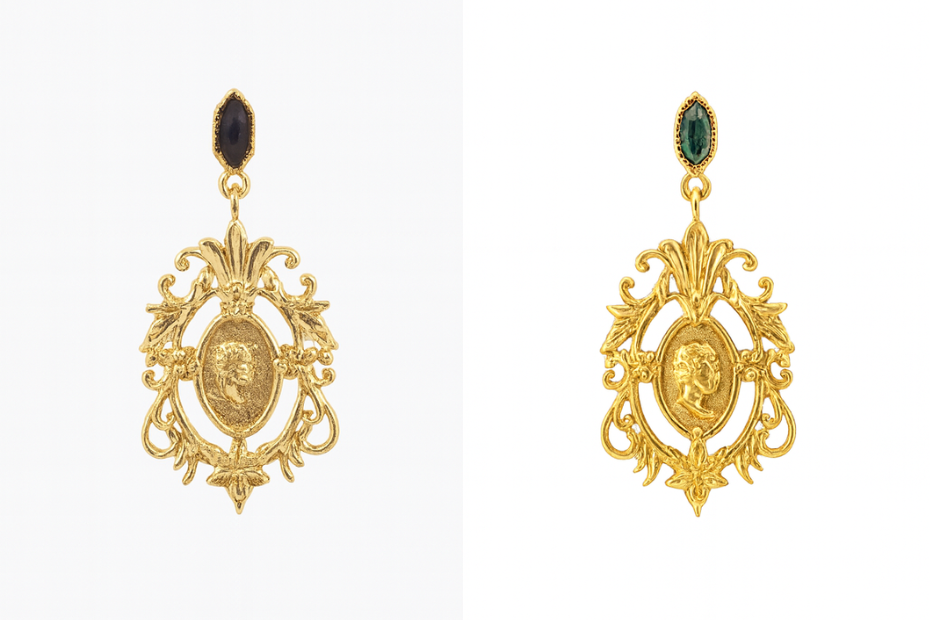
Now you can ask ChatGPT to make changes to your earrings. Some examples:
“Change the stone from diamond white to emerald green.”
“Make the earrings gold instead of silver.”
“Add a small pearl at the bottom.”
“Remove the extra charm on the side.”
ChatGPT will then generate a new image based on your request.
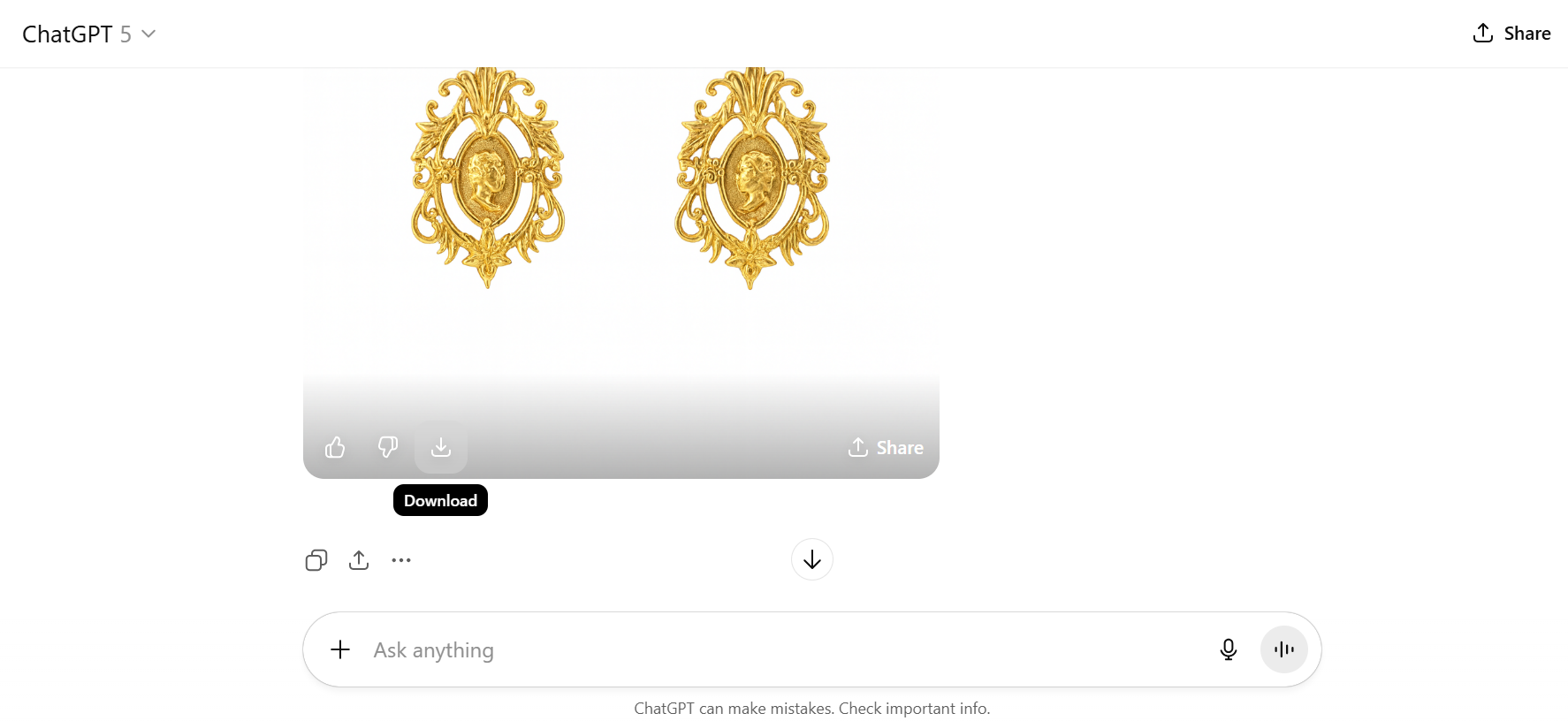
5. Save Your Final Design
Once you are happy with the edited image, download it to your device.
This is the final design photo you will upload on our website.
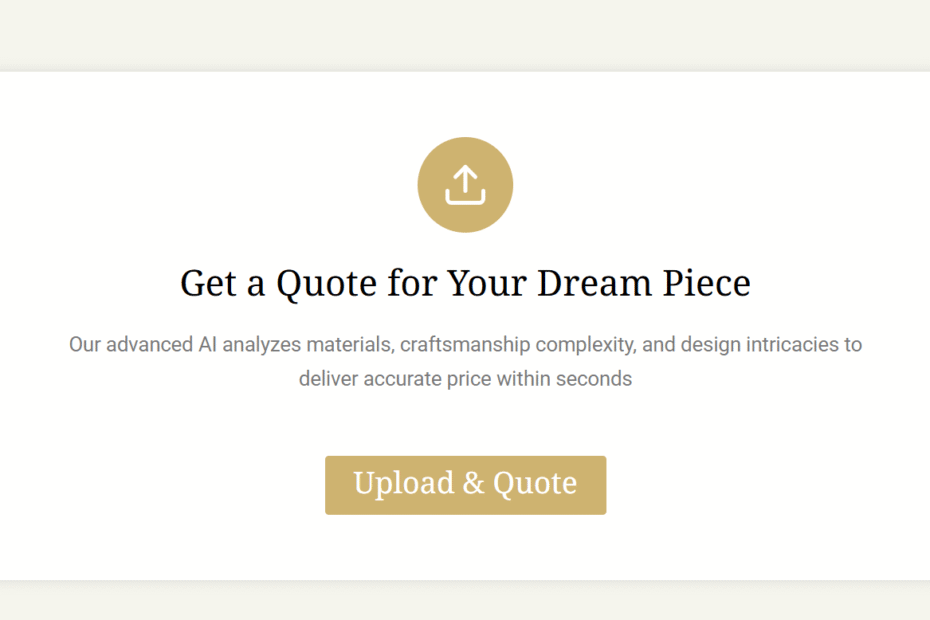
6. Upload Your Final Image to Aryé
Go to our website.
Upload the image of your final design.
You’ll get an instant price.
Place your order, and we’ll craft your earrings in 925 sterling silver or with 14k gold plating. Stones are zirconia, pearls are synthetic for durability.
7. Important Notes About Images
The clearer the photo, the better the final result.
Blurry or dark photos make it harder for our experts to interpret details.
If your photo is too poor to use, we will notify you and refund your order.
Aryé reserves the right to decline any order that cannot be produced, in that case, you’ll get a full refund and an explanation to why we can’t proceed.